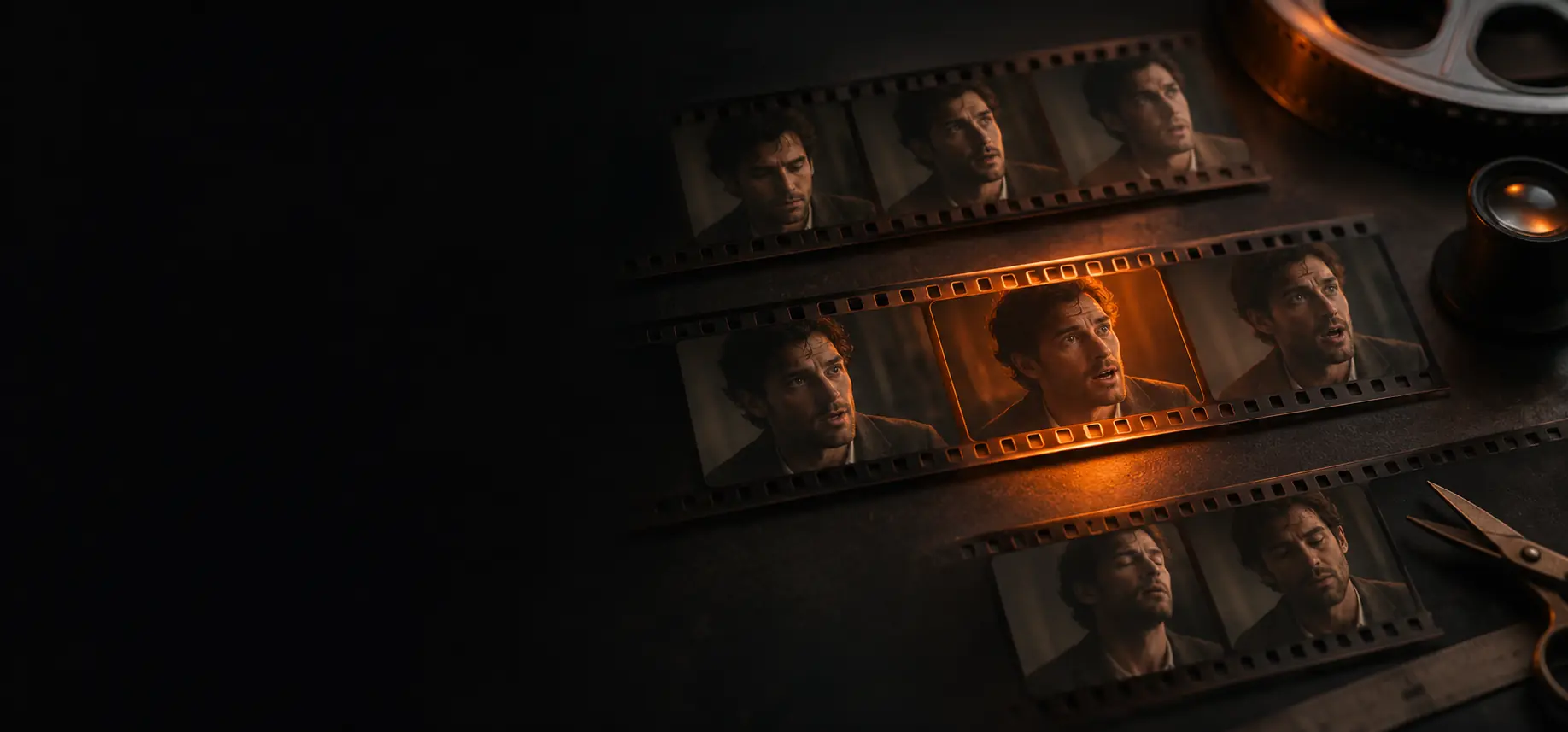
Lay out the sequence
Bring in clips, generations and stills, and cut them on the track at your frame rate.
Video timeline editor / Cloud / Shot versions
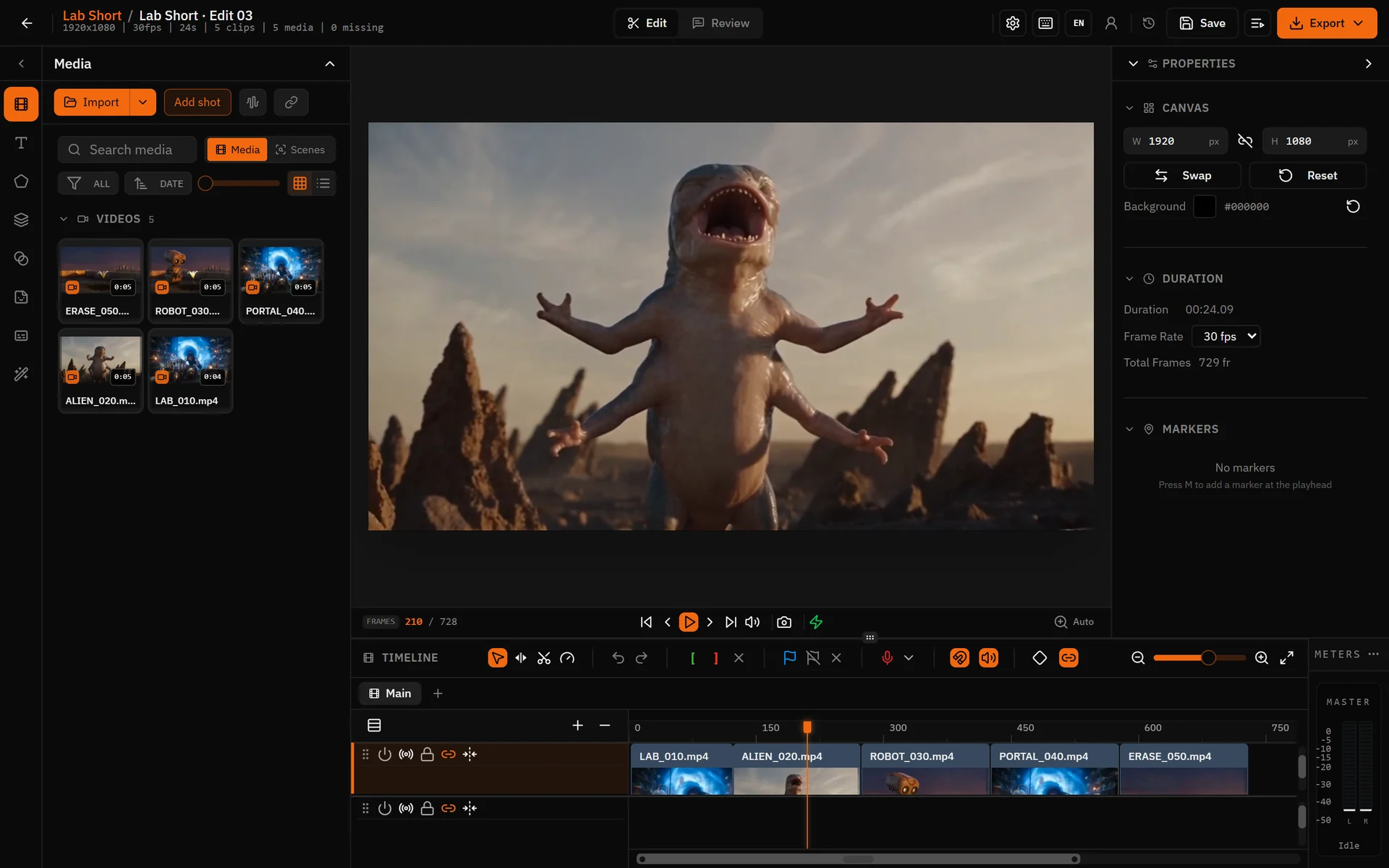
Reanimator Timeline is a video editor in your browser. Lay out the sequence, open any shot in the AI editor and it comes back as a new version, without exporting a single file.
Included in every plan, Free too
01 / How it works
The cut and the fixes live in the same project, so nothing gets lost between tools.
Bring in clips, generations and stills, and cut them on the track at your frame rate.
Edit video takes the clip into the Reanimator editor: keyframes, drawings, extend, restyle.
The fix lands on the timeline as the shot's next version, ready to review.
02 / Features
Projects live in the cloud: open them on any machine and everyone sees the same cut.
Latest follows the newest take; pin v001, v002… when a cut needs one.
Redraw a frame, set the keys the model must follow, or restyle the whole shot.
Add time to the end of a shot, continuing the motion that is already there.
Set the sequence frame rate and change it when the project does.
Send the cut to Review and collect notes and drawings on the exact frame.
03 / Not everything needs AI
Cutting, retiming, versions and review never use credits. AI only runs when you ask it to generate, and the price is on the button before you press it.
Starting from a script? Storyteller breaks it into sequences and shots, and Build timelines lays each sequence out as a timeline, shots in script order, at no cost.
04 / Questions
Yes. Timeline comes with every plan, the free one included. Only AI generation uses credits.
No. Timeline runs in the browser and projects live in the cloud, so you can open them on any machine.
Every fix to a shot lands as a new version. The timeline follows the latest one, and you can pin v001, v002… when a cut needs an older take.
Open the clip with Edit video. In the Reanimator editor you can redraw a frame, set keyframes, extend the shot or restyle it whole; the result comes back to the timeline as a new version.
Yes. Send the cut to Review to collect notes and drawings on the frame. Review is in every plan, Free too, with up to 5 viewers; paid plans add editors and unlimited viewers.
05 / The rest of the studio